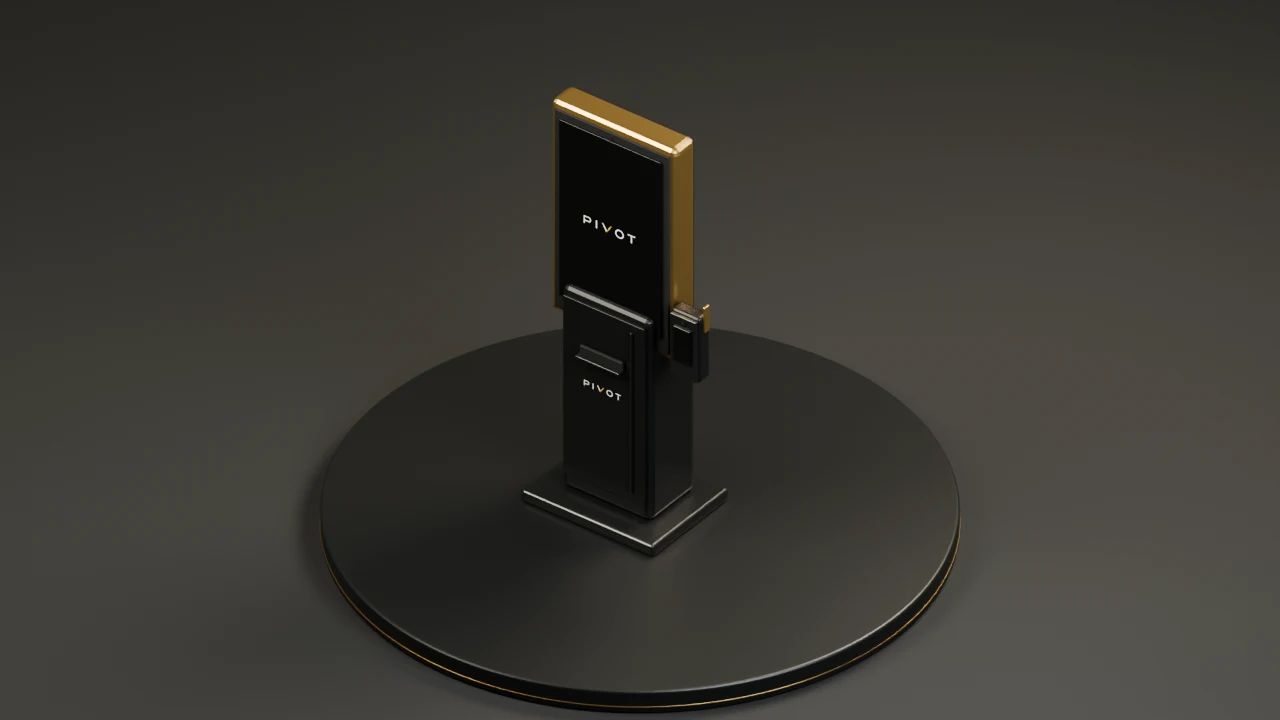
PIVOT / EXPERTISE
The right journey.
The right kiosk.
Welcome, inform, order, pay or check in using a kiosk.
Real companies, real projects
Work that speaks for itself.
 Pivot reference
 Carbonia reference
 Carbonia reference
 Carbonia reference
 Pivot reference
 Carbonia reference
 Pivot reference
 Carbonia reference
 Carbonia reference
 Carbonia reference
 Carbonia reference
 Carbonia reference
Pivot references and projects presented by Carbonia. Each brand is attributed to its team; select a logo to view its source.
PURPOSE BEFORE TECHNOLOGY
Interactive kiosks
We design the journey, integrate peripherals and coordinate commissioning. Payment, registration, information or ordering: software and hardware are scoped together.
Self-service ordering
Choose products, customize options and pass the order to the team.
Pay or contribute
Integrate payments, donations and receipts with the selected provider.
Welcome and guide
Check-in, information and wayfinding: a touchpoint adapted to the location.
A CONNECTED SOLUTION
The place. The tools.
One connected project.
What we compose
- Self-service ordering
- Payments and donations
- Self-checkout
- Catalogue
- Inventory
- Loyalty
- Appointments
- Check-in
Useful options
- Logo and colours
- Furniture
- Scanner
- RFID
- NFC
- Payment terminal
- Printer
- Camera
Connections to plan
- Business systems subject to APIs
- Payments subject to provider
- Monitoring subject to equipment
FORMATS AND CONFIGURATIONS
Equipment suited
to your purpose.
Choose format, peripherals and connections together. Configure variants in the detail.
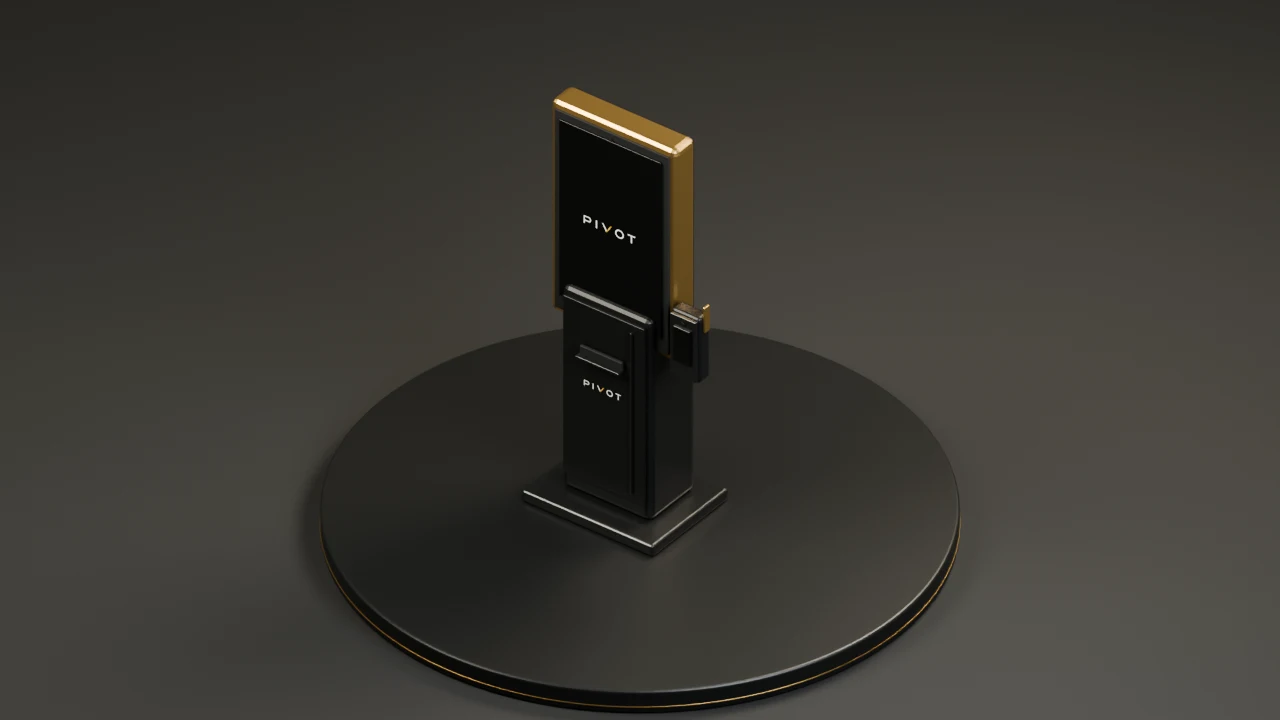 Concept
Self-order kiosk
A touch kiosk for choosing products, options and confirming an order.
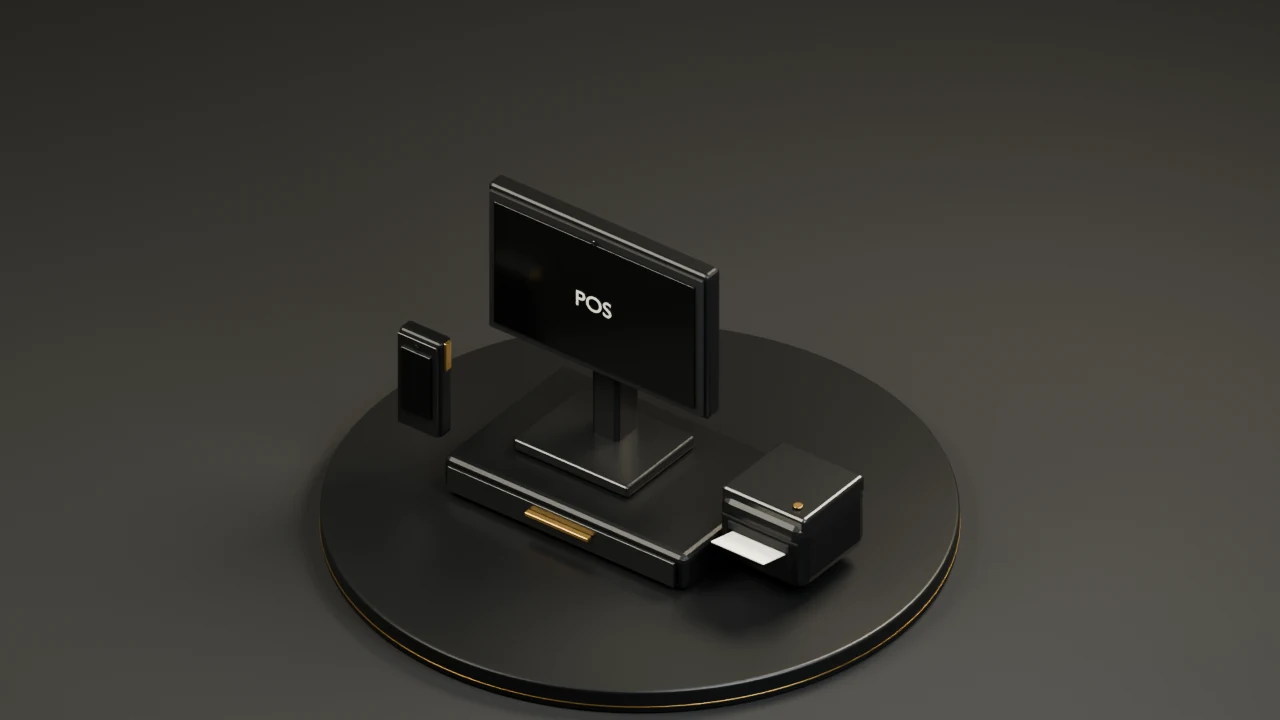 Concept
Payment and donation kiosk
A kiosk guiding a payment or donation through a suitable terminal and receipt.
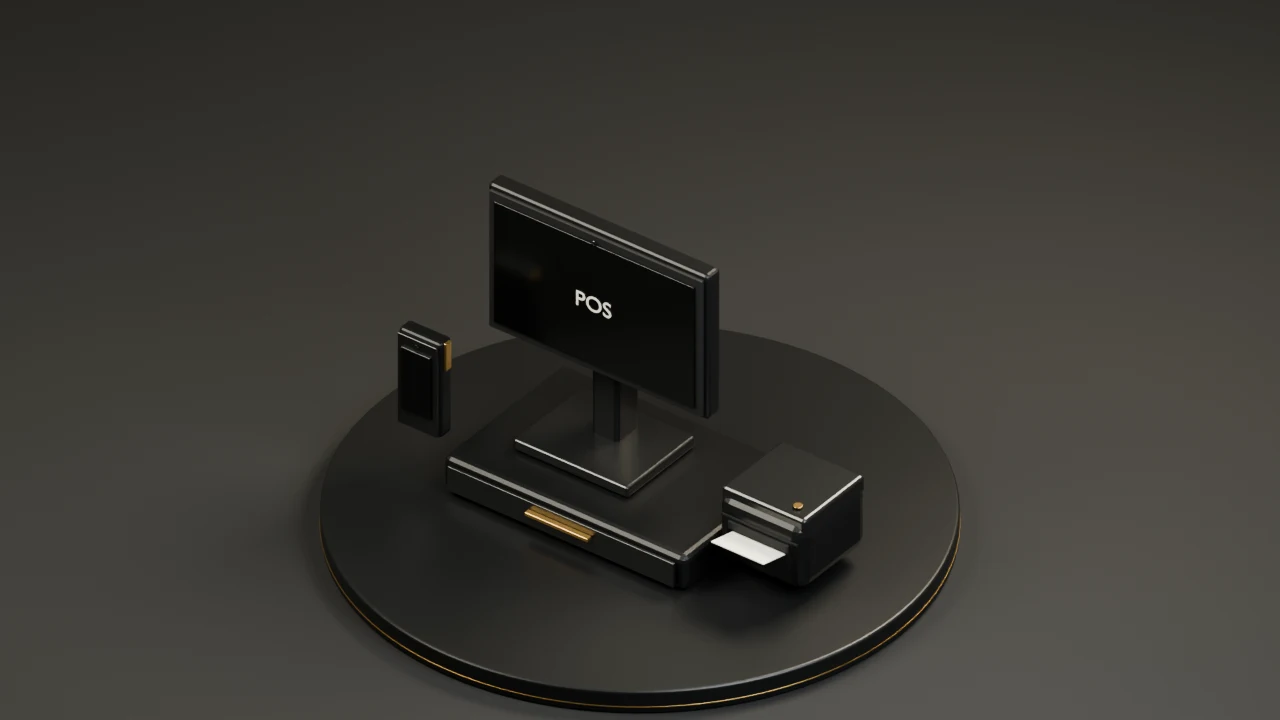 Concept
Self-checkout kiosk
A station for scanning items, checking a basket and proceeding to payment.
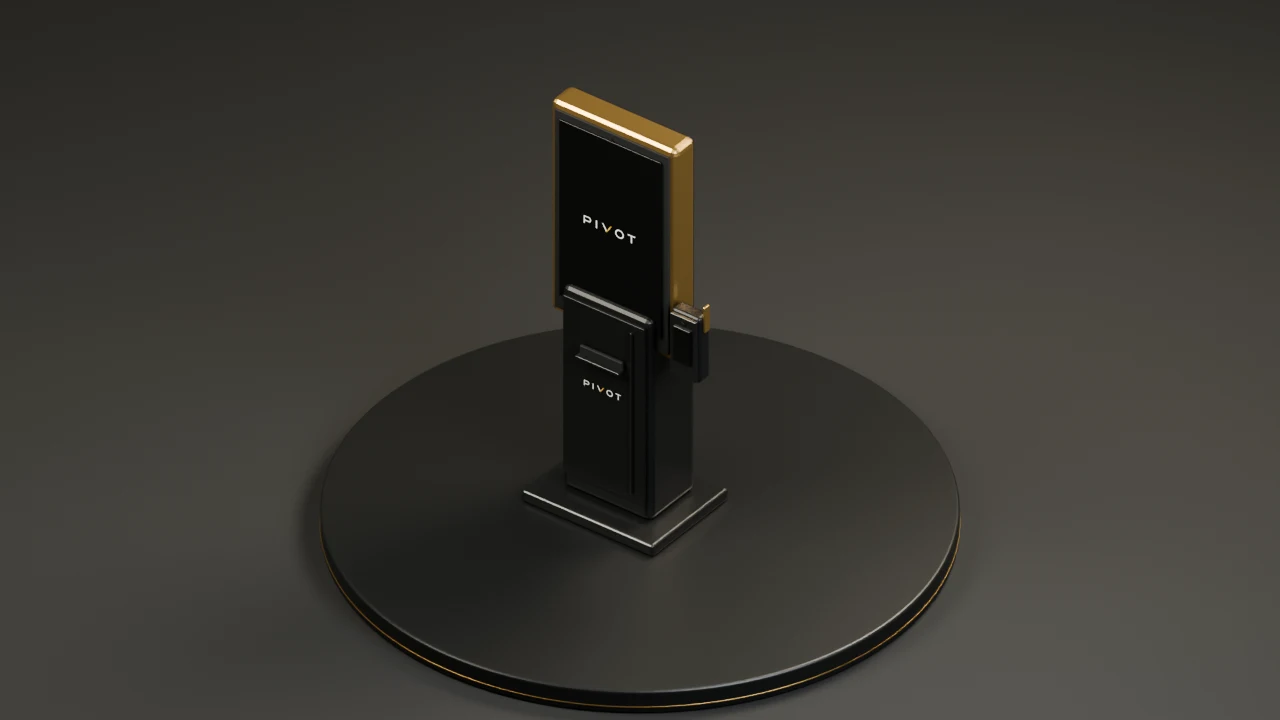 Concept
Catalogue and inventory kiosk
An interactive display for finding products and reviewing variants or availability.
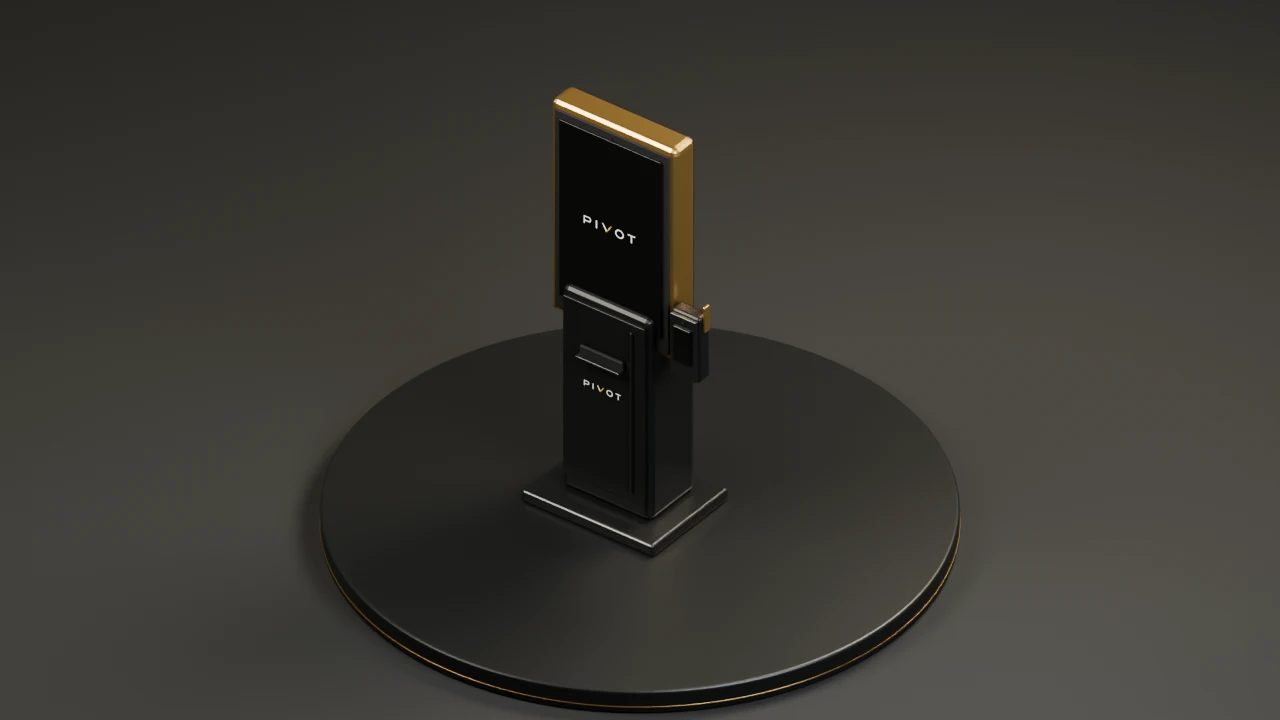 Concept
Loyalty kiosk
A member touchpoint presenting benefits defined by your rules.
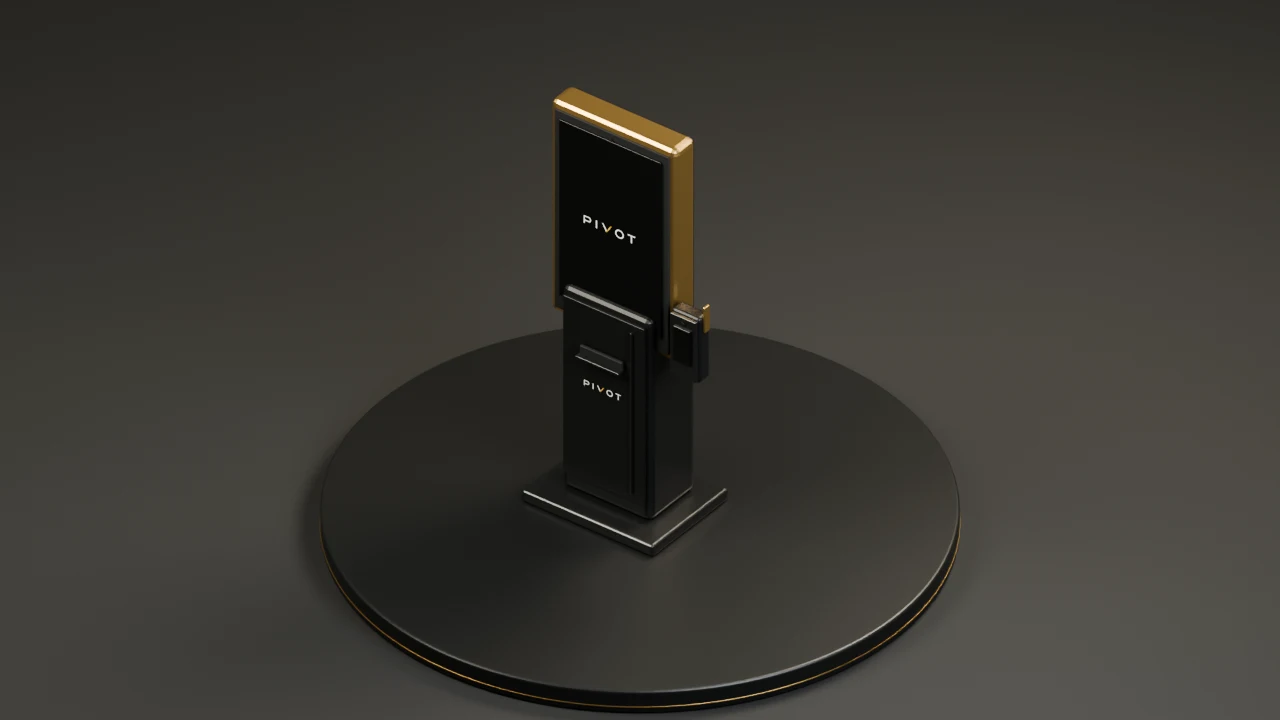 Concept
Appointment kiosk
A kiosk for choosing a service and preparing an appointment in the selected system.
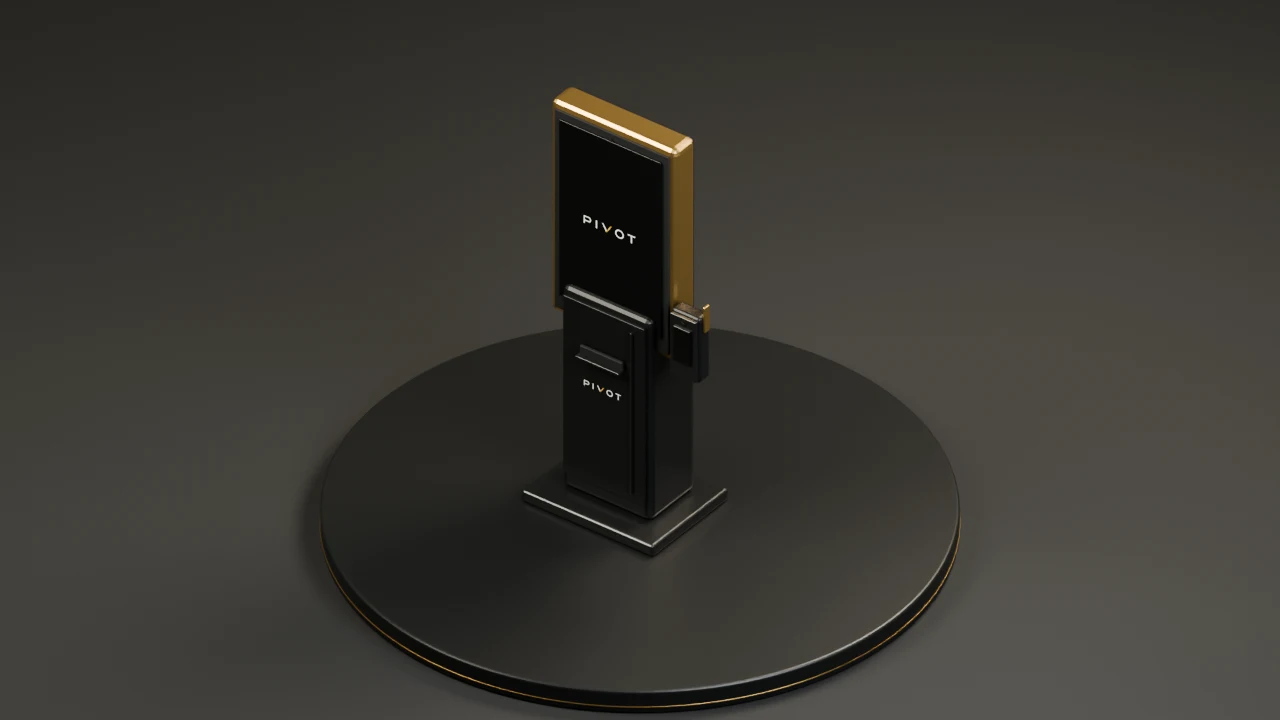 Concept
Check-in kiosk
An arrival kiosk retrieving a registration and guiding visitors to the next step.
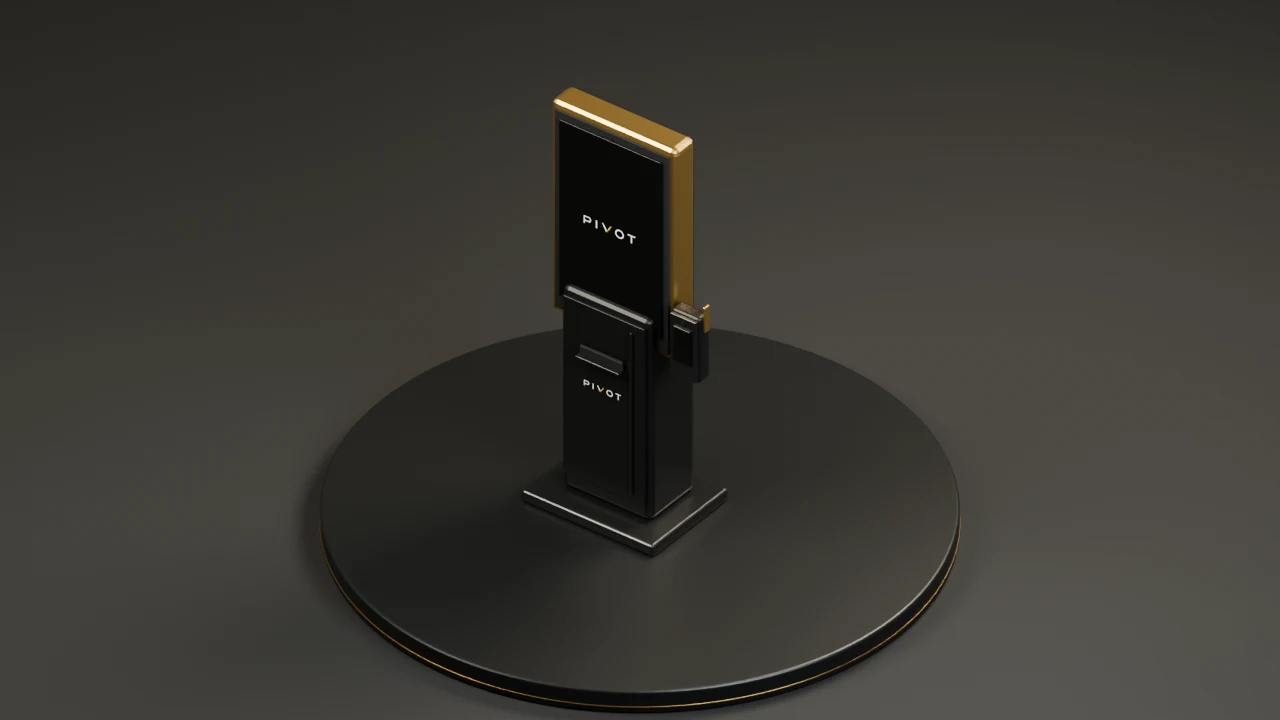 Concept
Ticketing kiosk
A kiosk for choosing activities, quantities and receiving tickets from your system.
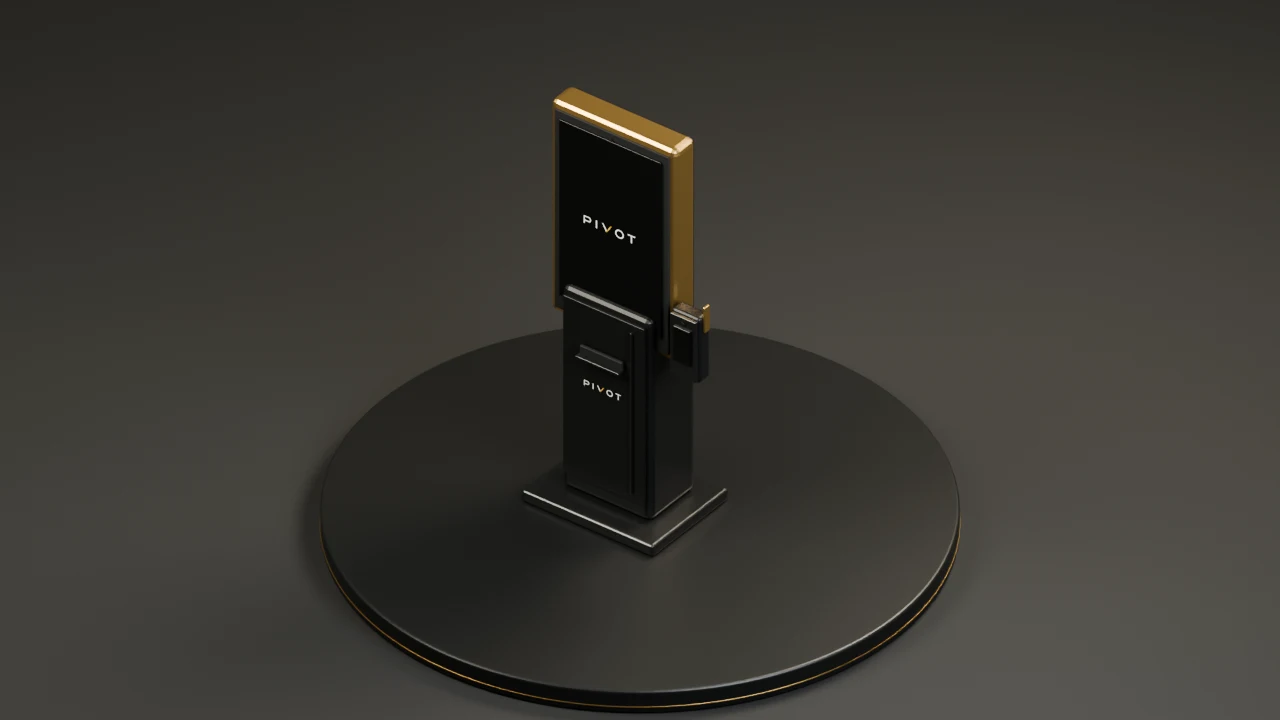 Concept
Queue management kiosk
A kiosk qualifying requests, assigning a number and directing visitors to the right service.
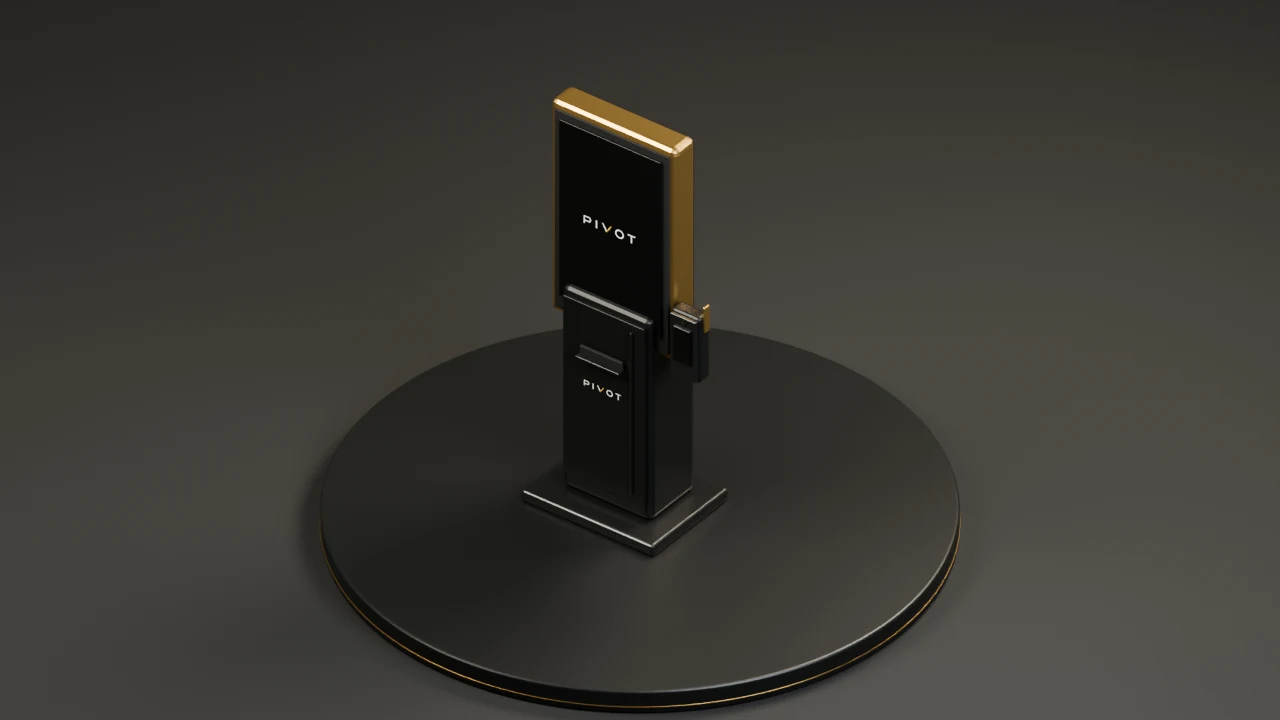 Concept
Reception and concierge kiosk
A reception kiosk for finding information, services or human help.
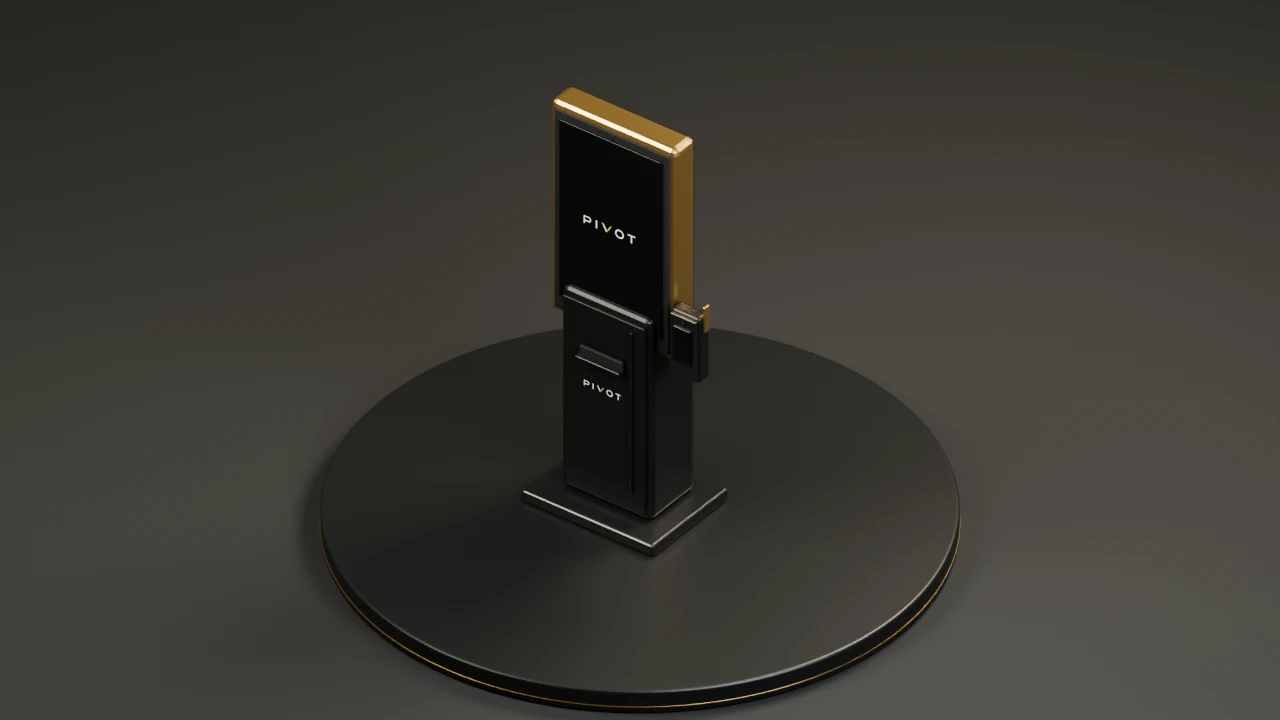 Concept
Information and wayfinding kiosk
A touch table or kiosk for viewing maps and choosing a destination.
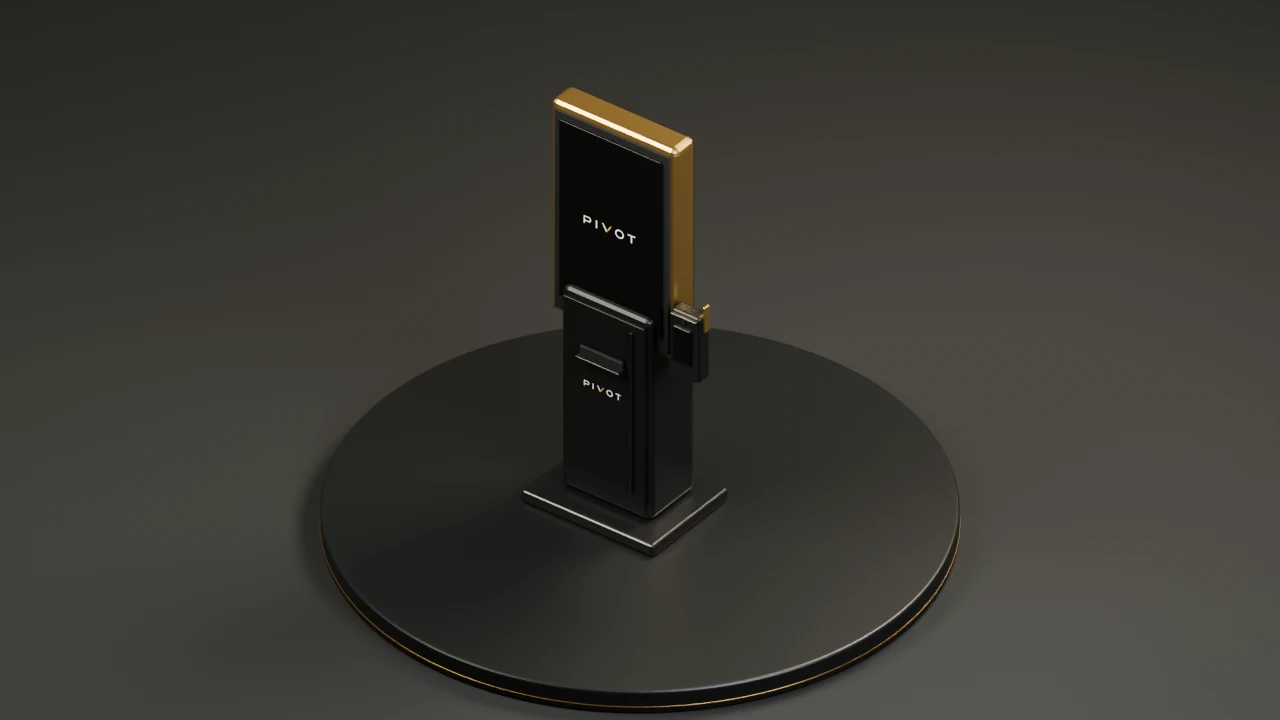 Concept
Survey kiosk
A compact terminal for collecting short feedback at the right moment.
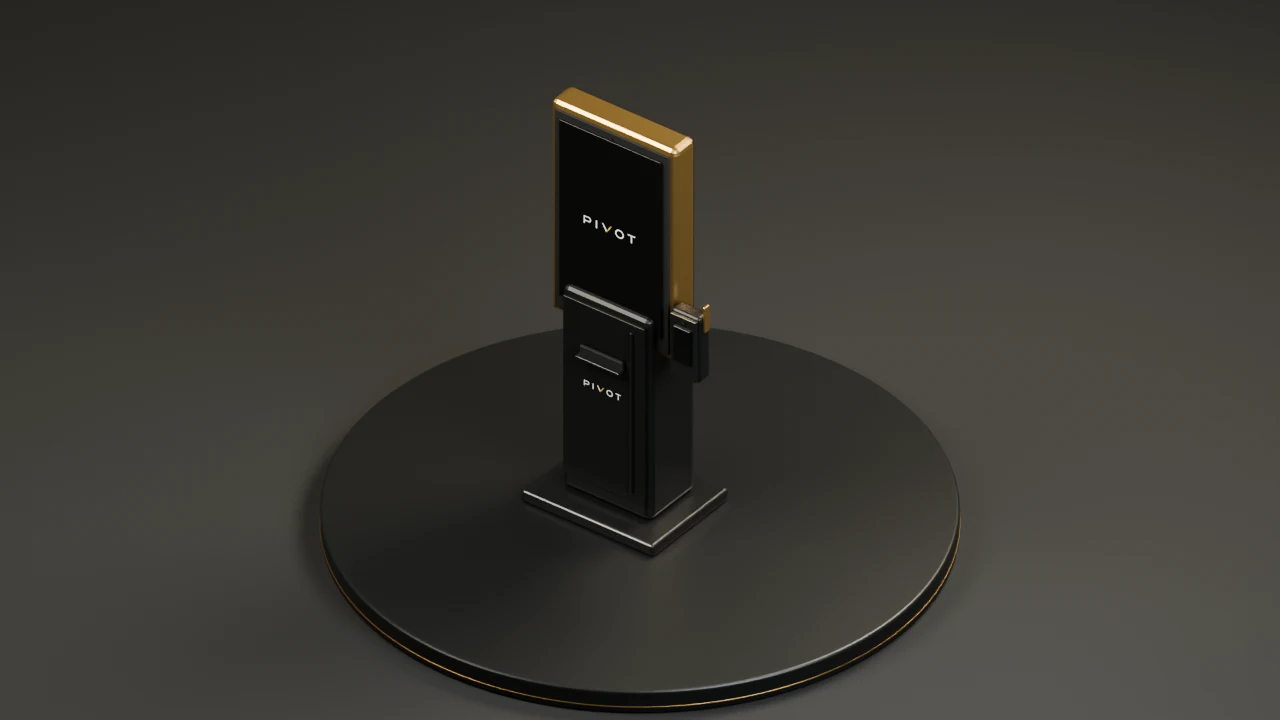 Concept
Access control kiosk
A validation kiosk connecting QR, card or account to entry entitlement.
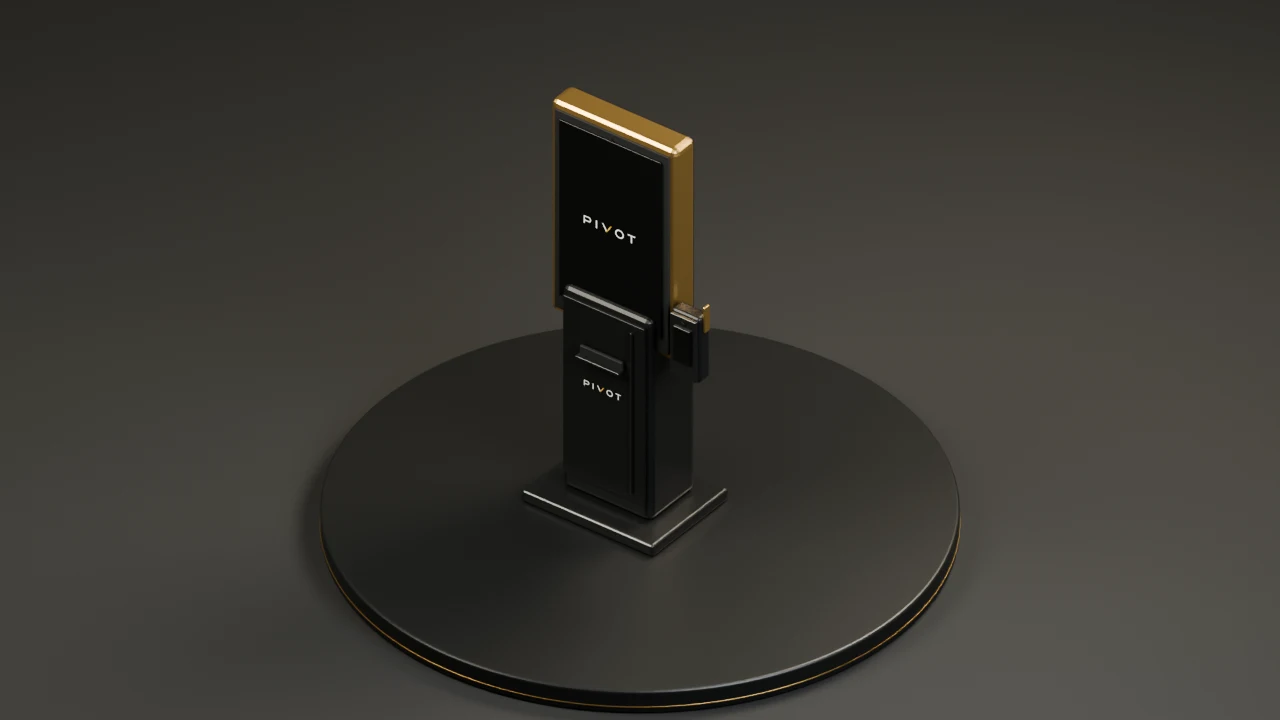 Concept
Large shopping-centre totem
A large totem visible from a distance with a visitor-appropriate touch journey.
SOFTWARE THAT SERVES THE SITE
Functions connected
with your operations.
Scope these capabilities around your tools, authorized data and available connections.
FROM REQUIREMENTS TO COMMISSIONING
A clear scope.
Concrete progress.
Your interactive kiosks project is shaped around the site and selected workflows.
- 01
Understand your purpose
We design the journey, integrate peripherals and coordinate commissioning. Payment, registration, information or ordering: software and hardware are scoped together.
- 02
Compose the right solution
We scope self-service ordering, pay or contribute, welcome and guide, then select useful formats and connections.
- 03
Prepare commissioning
The proposal defines responsibilities, journey tests, required access and planned support.
TO DEFINE THE PROJECT
The right questions.
From the start.
Which possibilities can we compose for your project?
Self-service ordering: Choose products, customize options and pass the order to the team. Pay or contribute: Integrate payments, donations and receipts with the selected provider. Welcome and guide: Check-in, information and wayfinding: a touchpoint adapted to the location.
Do you handle software and hardware?
Yes. We scope experience, equipment, integrations and commissioning. The quotation defines responsibilities and third-party services.
Do you manufacture every kiosk shown?
Families describe configurations and integration possibilities. Origin, manufacturer and specifications are confirmed in the proposal. AI concepts are labelled.
Can you connect our systems?
We assess APIs, permissions and constraints. Compatibility is validated before an integration is promised.
YOUR CONTEXT IS OUR STARTING POINT
Let’s define your
initial scope.
Tell us about your interactive kiosks requirements, the location and your existing tools. You can start without choosing a model.
Prepare my project